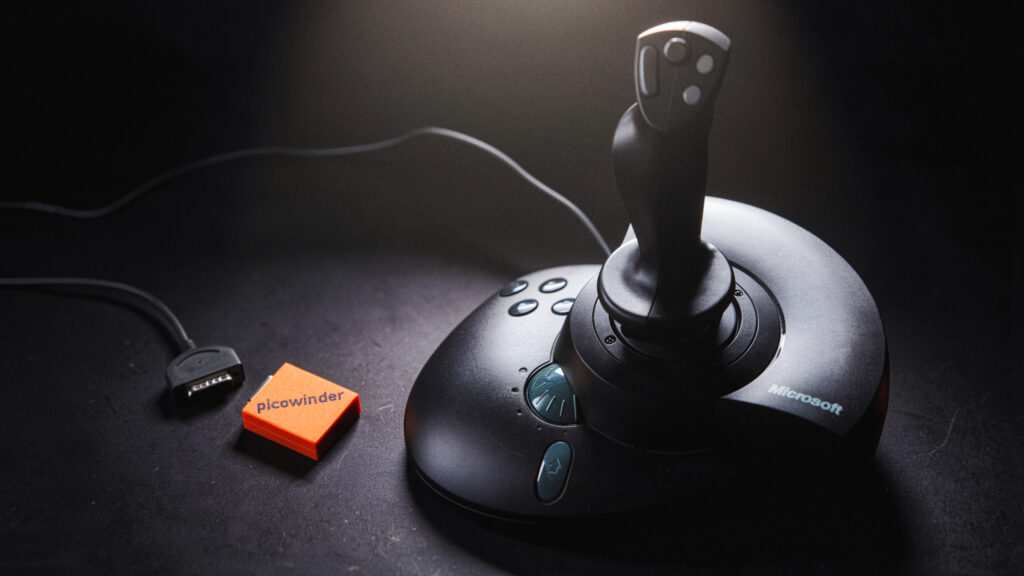
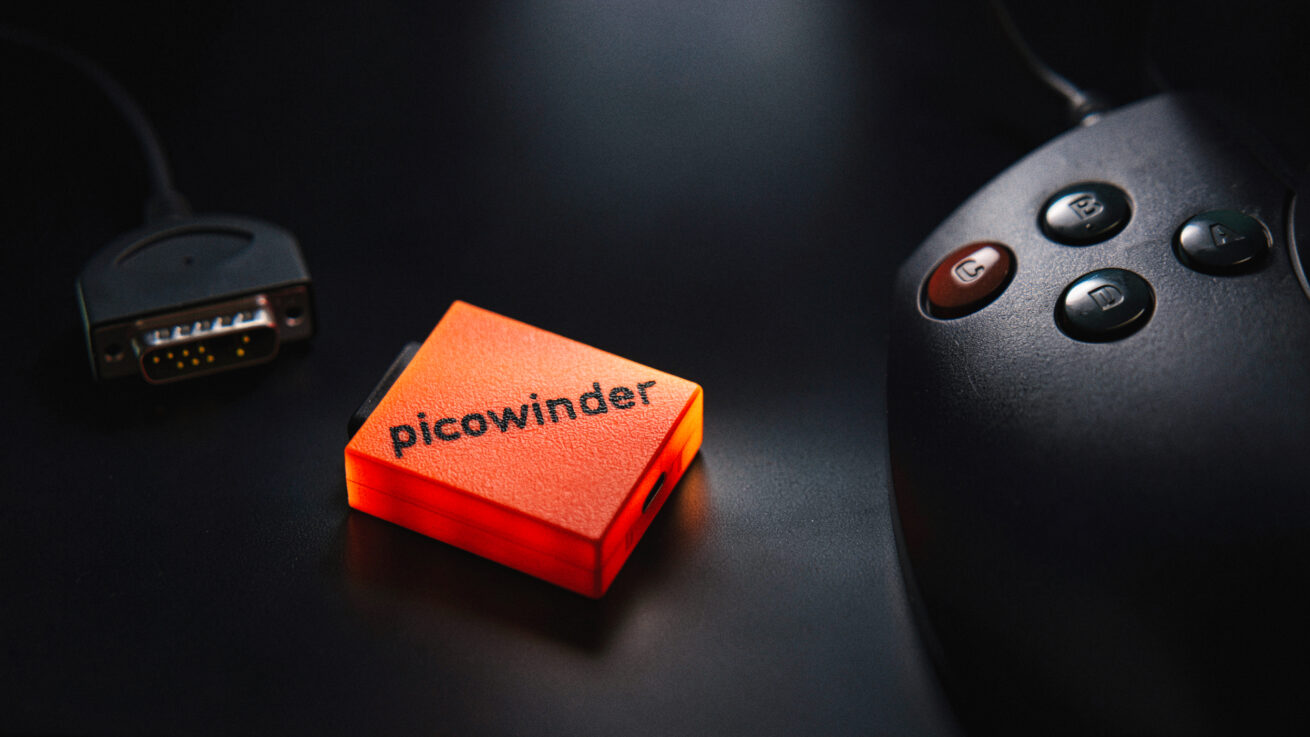
picowinder is a special USB adapter that works with the legendary Microsoft Sidewinder Force Feedback Pro. I made an easy to follow schematic and a custom housing for the parts for my Patreons here: Download
The firmware files are available for free on github from x052 – see link below.

Tested it with IL2-Sturmovik: Great Battles in VR and it’s pretty amazing to see it working in Windows 10/11! Other than the Sidewinder Force Feedback Pro joystick, no other joysticks or peripherals are supported.
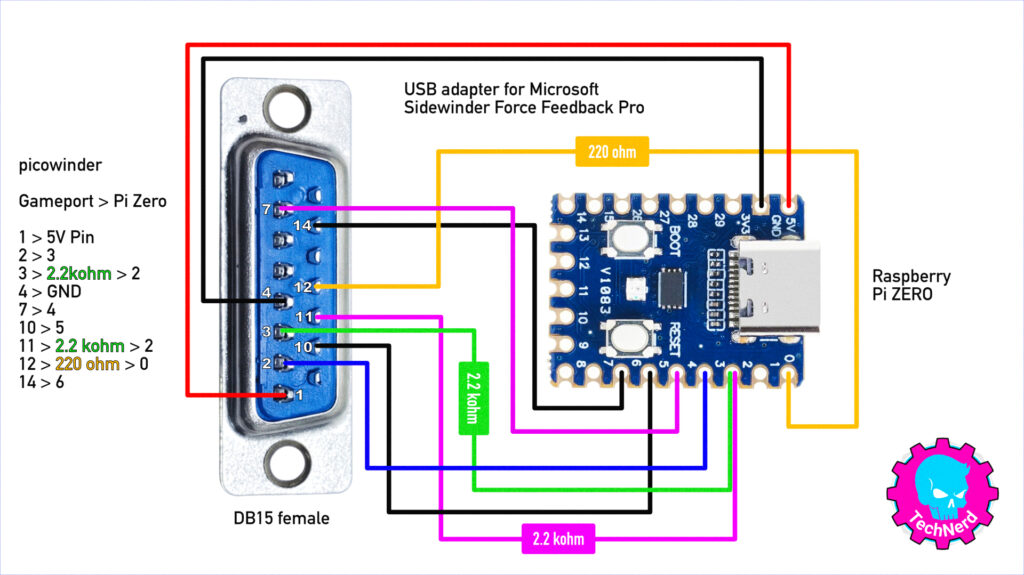
1x Raspberry Pi RP2040-ZERO: https://link.amazon/B0gmmIVbU
1x DB15 connector female: https://link.amazon/B0iafGxpO
1x Wood Screw (DIN 7981) diameter 2.9mm x length 9.5mm https://amzn.to/3YbaaBw
I may earn a commission on qualifying purchases (at no extra cost to you)

Github Repo and free firmware files from x052 here:
https://github.com/x052/picowinder
Flash the Firmware:
To flash a release of the firmware to your Pico, hold the BOOTSEL button while plugging the Pico in to your computer. Release the BOOTSEL button. The Pico should present itself as a storage drive. Drag the picowinder-condor.uf2 file into that storage drive. It should automatically disconnect, and the Pico should reboot.
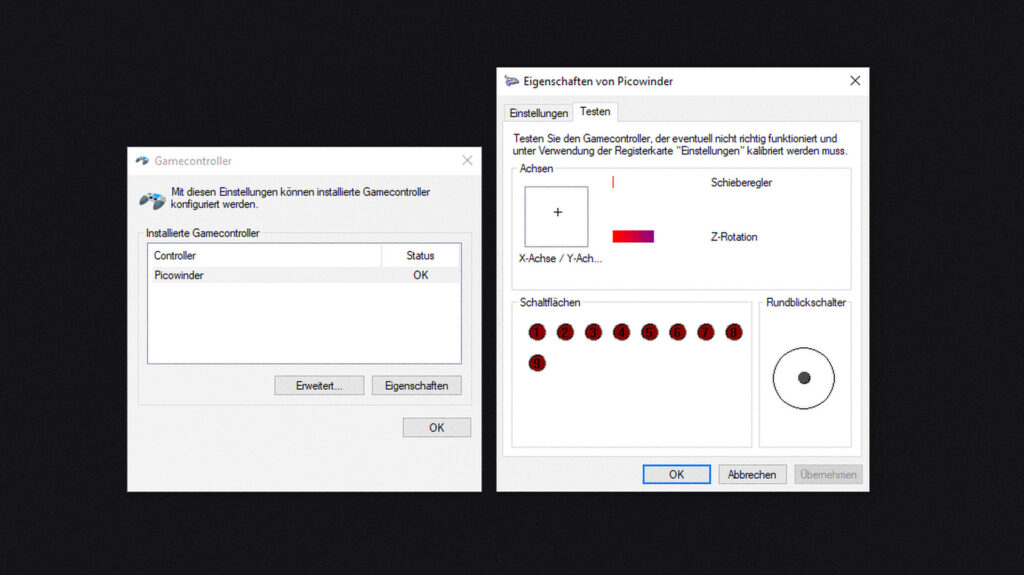
How it works: You must connect the GamePort first, then plug the USB in. In Gamecontroller on Windows 10 you can test all the buttons. Force Feedback needs to be enabled in the game itself like IL2-Sturmovik, Aces of Thunder, DCS, Condor3, X-Plane, Microsoft Flight Simulator, etc. (though not every modern game has force feedback support).